
SUPPORT
Get Q‑Mail help fast
Use this page to report issues, request access, reset passwords, or escalate outages. Choose a category and submit a ticket to the IT help desk.
SUPPORT LOCATION
QuantumTelecomm IT Service Desk · HQ
For on-site assistance (device provisioning, secure access, or escalations), visits are available by appointment only. Submit a ticket first so we can route you to the right team.
ADDRESS
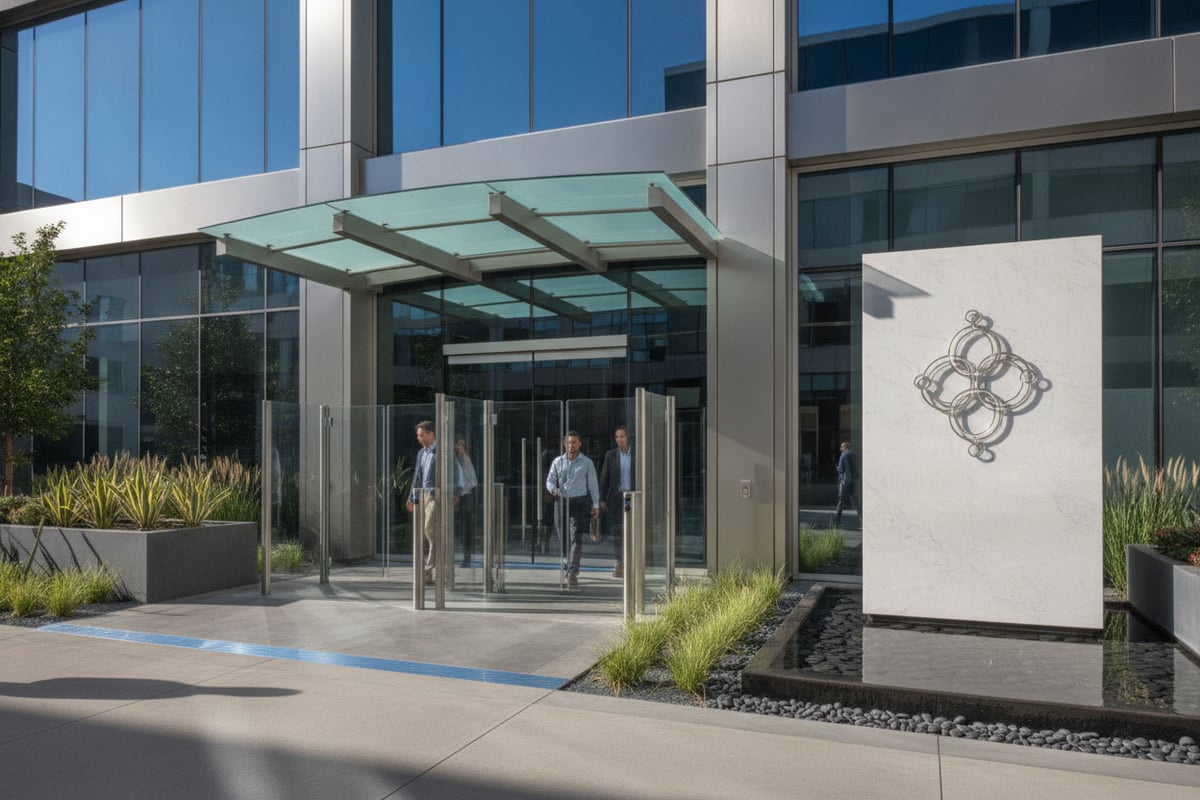
QuantumTelecomm HQ
IT Service Desk (Q‑Mail)
Building A, Level 2
TRANSIT
Use public transit to QuantumTelecomm HQ and check in with building security on arrival. Bring your employee badge and your device for verification.
DRIVING & PARKING
Visitor parking is limited. Request parking access in your support ticket at least 24 hours ahead and include your license plate for approval.
PHONE
+1 (800) 555‑7245 · Phone support is for authorized users only; have your employee ID ready for verification.
SUPPORT DESK
Get help with Q‑Mail—fast and secure
Use these support paths for Q‑Mail access, client setup, and service issues. Share error messages and the time of impact; attach screenshots only if they contain no sensitive content.
Access & sign-in help
Password resets, MFA prompts, locked accounts, and mailbox access checks, Password resets, MFA prompts, locked accounts—get back into Q‑Mail quickly.
Client setup & sync
Configuration for Outlook, mobile mail, and IMAP/SMTP. Help with calendar/contacts sync, certificate prompts, and connection errors.
Incidents & outages
Report delivery delays, bounce messages, suspected phishing, or service interruptions. We’ll triage, confirm impact, and provide status updates until resolved.
SUPPORT REQUEST
Contact the Q‑Mail Help Desk
Use this form to report an issue or request assistance. Include your QuantumTelecomm email address, device/client, exact error text, and when the problem started.
POSTAL
QuantumTelecomm — Q‑Mail Support · 1000 Telecom Way · Suite 200 · Anywhere, USA
PRIVACY
Support requests are used only to troubleshoot Q‑Mail. Limit sensitive data, and never send passwords or MFA codes through this form.